Build internal features, not internal tools

Add buttons, forms & panels directly inside the tools your team already uses, in no-code
powered by
Zapier
Make
n8n
Relay
Add to
Chrome
Before
Your tools limit you because they’re built for the average user
You have too many tools, and it's a constant headache
You want to leverage AI but don’t trust autonomous agents
Your new processes don’t stick because they don’t fit into existing habits
You can't connect tools that don’t have a public API
112
SaaS apps per company
9%
of apps are integrated
With SparkUp!
You shape your tools around your unique workflows
You simplify your stack by using your existing tools smarter
You bring human-in-the-loop AI automation to your daily tools
Your team adopts improvements naturally and you boost productivity
You integrate even the tools that were never designed to be automated
3–7 hrs
saved each week
3x
higher adoption

How it works

Step 1
Add elements
directly into your tools
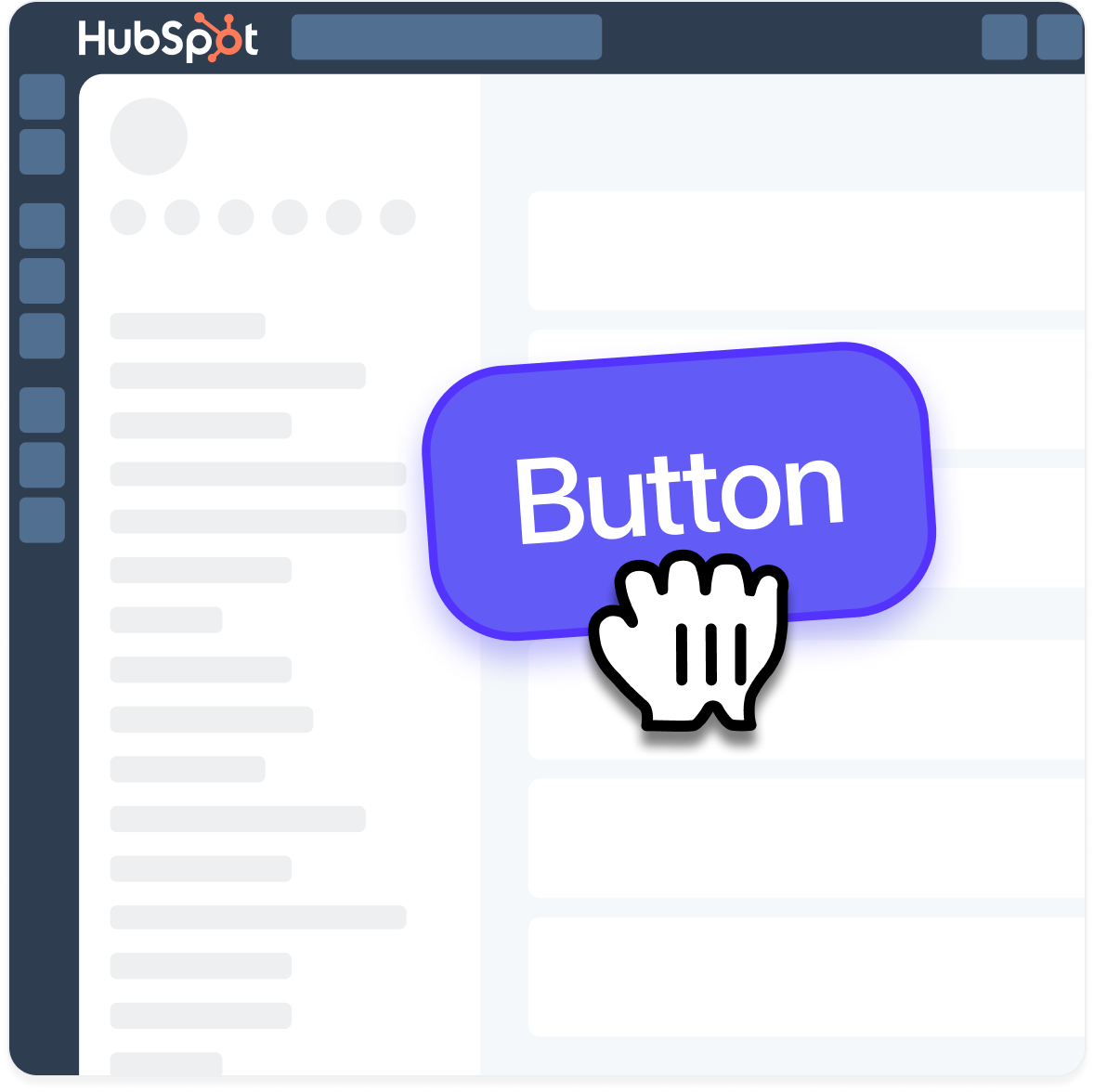
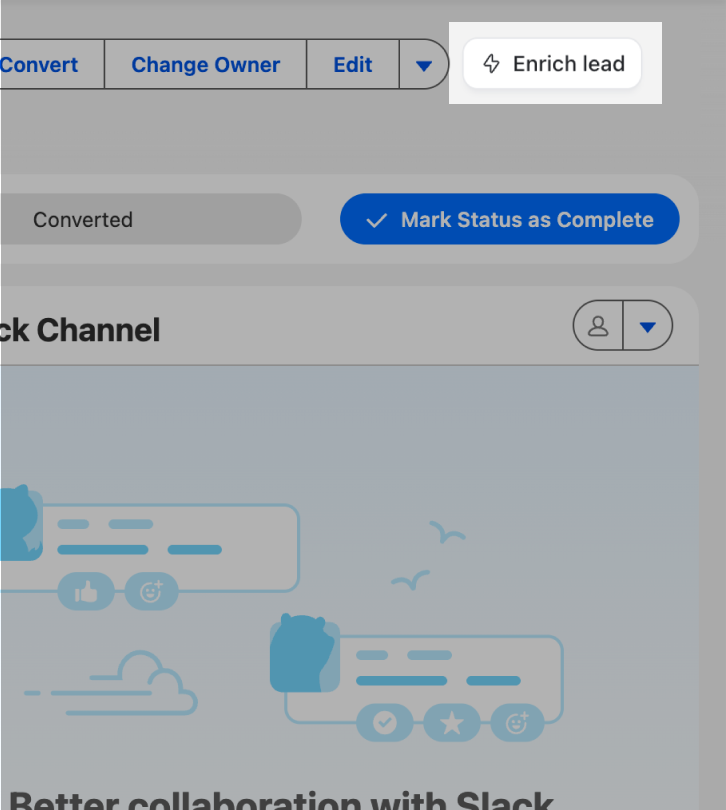
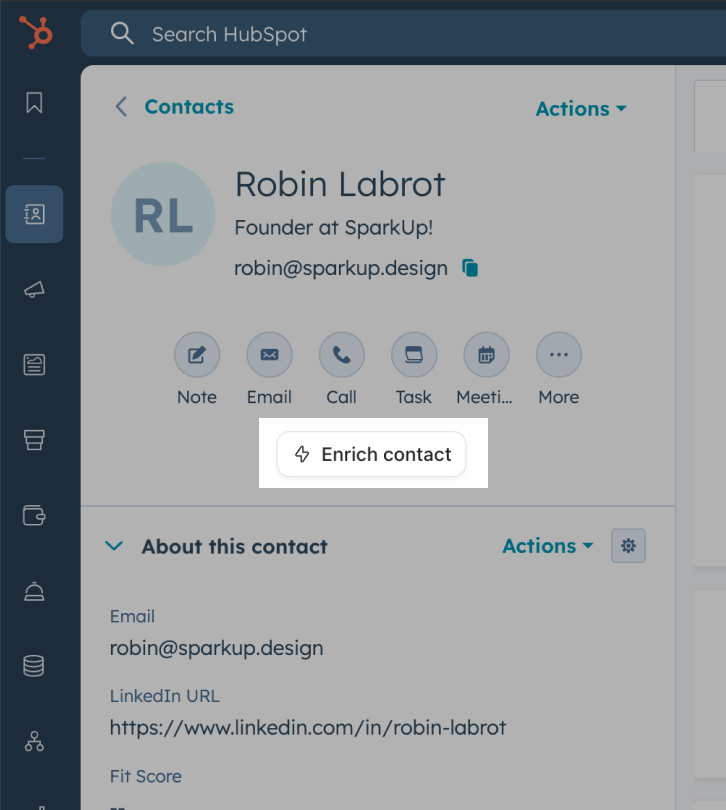
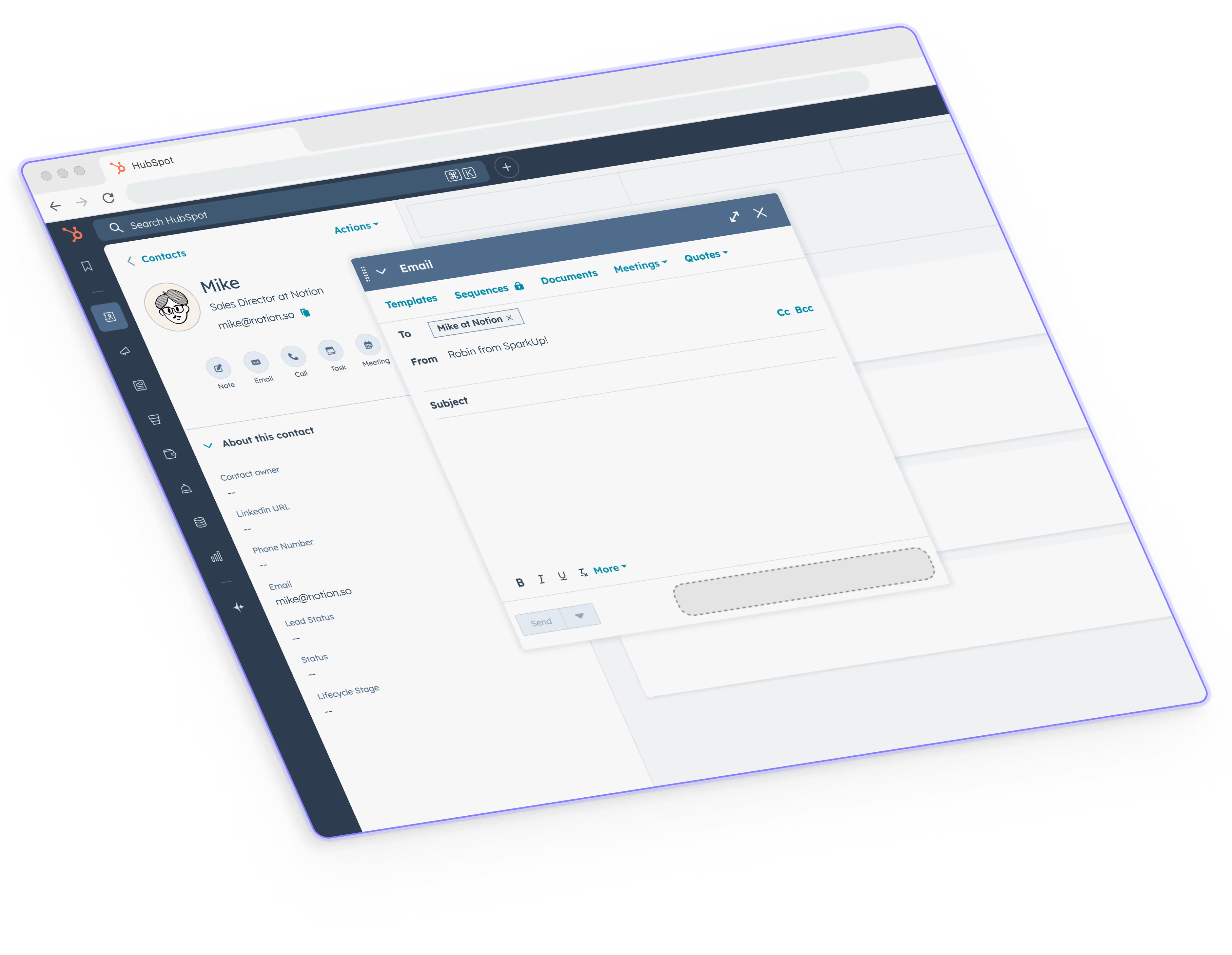
Drop buttons and forms, display data anywhere you want, like it’s part of the website.

No code required. Works on literally any website.
Step 2
Configure workflows
using page context
Send any page content to your Zapier, Make, n8n, Gumloop or Relay workflows and push information back in the browser.
Step 3
Publish & share
with your Reps
Turn on Sparks for people on your team to help them leverage automation & AI into everything they do.

Secure
by design

Runs locally
No need to log into your tools, everything runs in your browser
GDPR
We fully respect and comply with GDPR standards
CCPA
We fully respect and comply with CCPA standards
End-to-end encryption
Your data, fully encrypted and always private

Start from

$15

/user /month

Enjoy a

7

-day free trial

Add to
Chrome
Enterprise?
Request a demo

Questions & answers

Is this like Zapier, Make, or n8n all over again?
Not quite. Zapier runs in the background, SparkUp! runs on the surface directly inside the tools your team uses.
It complements your automations (Zapier, n8n, Make, Relay) by giving them a front-end trigger and real page context.
Is SparkUp! a scraping tool?
Not quite. SparkUp! isn’t built for large-scale data scraping, extraction, or harvesting.
But it does use light, page-level context (like selected text, visible fields, or highlighted elements) so your custom features can understand what’s on the screen and trigger the right workflow.
Does it work reliably on any website?
Yes, SparkUp! runs as a Chrome extension that injects safe, lightweight UI overlays.
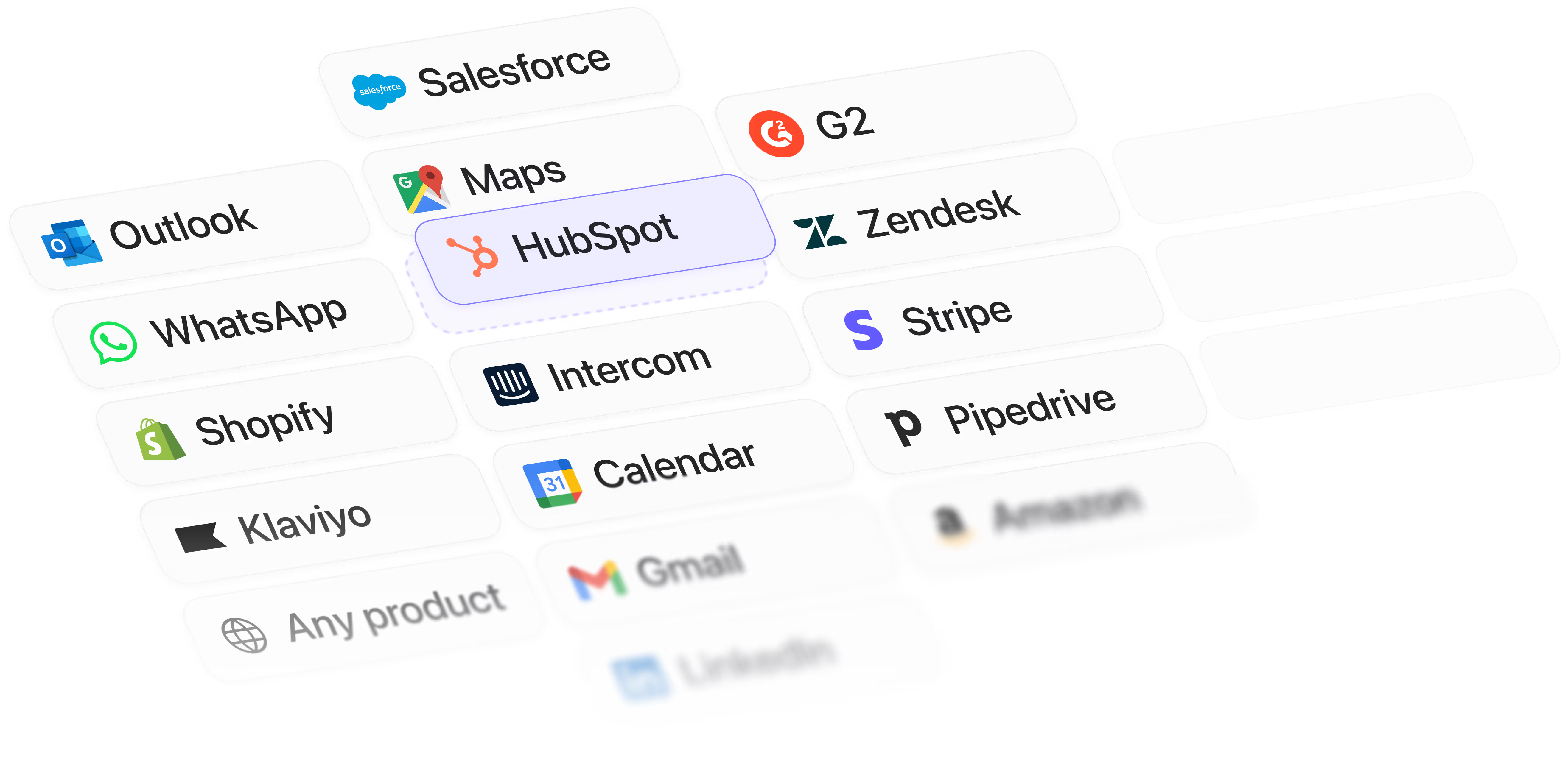
We’ve built it to work seamlessly on common websites and products (Salesforce, HubSpot, LinkedIn, Zendesk…)
How does SparkUp connect to our existing tools?
SparkUp runs without connecting to the target tool.
App connections are optional and handled via Zapier, Make, n8n, or Relay.
Is it secure for my company?
Absolutely.
All sparks run locally in your browser, no user credentials are ever stored on our servers.
You choose what data to send, and we’re fully compliant with Chrome extension privacy guidelines.
How will my teammates get the same sparks?
Once you invite them to your workspace, all sparks are automatically synced.
No setup, no copy-paste, they just appear inside their interfaces.
Does my team need to code to use it?
No coding required.
With SparkUp!, you simply click on elements inside the page to configure actions and define “if this, then that” logic that connects to your n8n, Make, Zapier, or Relay workflows. Everything is built so you can create features without needing a developer.
Can this scale for larger companies?
Yes, SparkUp! supports multi-user workspaces, and upcoming roles & permissions + SSO/SAML integrations.
Can I get help setup my Sparks?
Yes! We’ll guide you through your first ones.
You can book a short onboarding call with our team, and we’re also building ready-to-use templates for tools like Hubspot, LinkedIn, and Intercom.
Still have more questions?
One message away from
robin labrot profile picture
Robin